Forty-five ambient canvas effects for Next.js pages
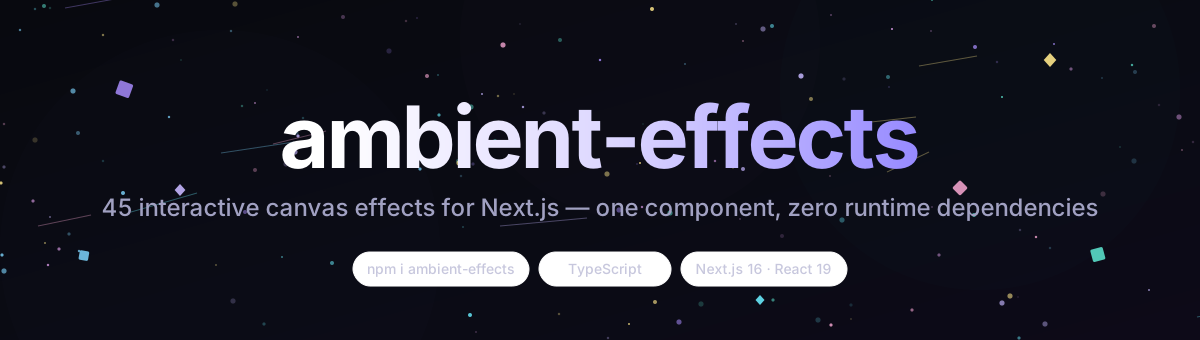
Drop AmbientSurface into any client page and get fireflies, snow, fireworks, matrix, aurora, starfall, hacker, Saturn rings and 37 more — every effect reacts to the pointer, fires on click, and bends with scroll.
Interactive by default
Pointer position and velocity, click bursts, scroll wind — no props to wire up.
Verified rendering
Colors dim in light mode, embers glow with additive blending, trails tint the canvas in Flow exactly like the reference page.
Lightweight
Zero runtime dependencies beyond React — a single client component you drop behind any UI.
The effects
Each renders on a single fixed canvas; switch from the sidebar, the select, or arrow keys.
Presets · 20
Ambient
Slow drifting dots with soft glow — the calm default background.
Big Circles
A few enormous outlined rings that overlap and drift.
Bubbles
Rising translucent bubbles — click near one and it pops into a burst.
Confetti
Falling rotating confetti that scatters away from the pointer.
Confetti Cannon
A cannon at the bottom firing confetti arcs; click to fire one yourself.
Confetti Explosions
Radial confetti bursts erupting at random spots; click for a blast.
Confetti Falling
Dense, steady confetti rain with sway, spin and pointer repulsion.
Confetti Parade
Braided ribbons of confetti streaming sideways across the screen.
Fire
A rising wall of flame with hot cores, cooling tips and a glowing floor.
Fireflies
Soft glowing particles that drift toward your cursor and dim with your scroll.
Fireworks
Rockets trail upward, then burst into spark streaks; click to detonate.
Fountain
A water jet arcing up from the centre and landing in splash rings.
Hyperspace
Star streaks rushing outward from a vanishing point that follows the pointer.
Links
A drifting node network joined by lines, with links reaching to the cursor.
Matrix
Digital rain with bright heads and glyphs that mutate near the pointer.
Sea Anemone
Glowing tendrils anchored to the floor that sway and bend away from the pointer.
Snow
Layered snowfall with cursor repulsion, wind drift and scroll gusts.
Squares
A grid of rotating neon squares that pulse, spin and dodge the pointer.
Stars
A twinkling parallax starfield; click to send a shooting star across the sky.
Triangles
Drifting, rotating triangles with soft fills and pointer repulsion.
Classic · 10
Constellation
Stars linked by lines, with extra lines reaching to your cursor.
Stardust
Sparkling dust whose trails follow fast pointer movement.
Embers
Rising glowing embers with intensity that ramps near the bottom of the canvas.
Leaves
Falling leaves with rotation, sway and mid-air tumbling.
Rain
Heavy rain that pools into ripple rings at varying landing heights; click to splash.
Flow
A particle field drawing silky trails that swirl around your cursor.
Spooky
A cursor-carved lantern with ghosts, eye-pairs and lightning; click to strike.
Neon
Flickering neon circuit strokes that glow brighter near the cursor.
Wind
Gusting wind streaks that swirl around the pointer and bend with scroll.
Sunlight
Warm god-rays with floating dust motes and a scroll-slanted haze.
Cosmic · 8
Aurora
Shimmering polar curtains with vertical ray structure that warp near the pointer.
Nebula
Volumetric space clouds with embedded twinkling stars.
Starfall
The signature effect: drifting sky plus purple drops that splash into water rings.
Star Drops
Just the purple drops — falling, splashing, rippling; click to drop one.
Night Sky
Just the sky — parallax stars drifting and twinkling over a static field.
Space Rocks
Asteroids tumbling in from depth, with craters, dust trails and parallax.
Saturn Ring
A ringed planet slowly rotating while its ring particles orbit in perspective.
Cosmic Planets
A planetary system on elliptical orbits with moons and a central star.
Digital · 4
Glitch
An RGB-split signal that tears into displaced slices; click to force a burst.
Hacker
Falling green katakana and hex columns with glowing heads and scanlines.
Music Bars
Equalizer bars with mirrored reflections and peak caps; click to pulse the beat.
Radio Glitch
An oscilloscope waveform with static bursts and frequency jumps; click to retune.
Playful · 3
Petals
Blossom petals fluttering down, tumbling and flipping as they fall.
Ripple
Calm water rings expanding from time, pointer speed and clicks.
Emoji
Floating emoji confetti that spins and drifts; click to spawn more.
Install
npm install ambient-effectsimport { AmbientSurface } from "ambient-effects";
export default function Page() {
return (
<main style={{ height: "100vh", overflow: "hidden" }}>
<AmbientSurface defaultEffect="fireflies" fullscreen />
</main>
);
}Props
| Prop | Default | Description |
|---|---|---|
| defaultEffect | "fireflies" | Initial effect for the uncontrolled component. |
| effect | EffectId | Controlled effect id; makes the component fully controlled. |
| onEffectChange | (id: EffectId) => void | Called whenever the effect changes (buttons, select, arrow keys). |
| showControls | true | Renders the built-in <select> picker in the top-right corner. |
| fullscreen | false | Canvas is sized to the viewport instead of its container. |
| background | — | CSS colour, gradient or url(...) image on a layer behind the canvas. |
| backgroundBlur | 0 | Blur radius in px for that background layer; effects stay on top. |
| dark | true | Dark-first theme like the reference; toggling re-inits the effect. |
| reduceMotion | undefined | Respects prefers-reduced-motion when unset; true halves particle density. |
| className | — | Extra classes for the wrapper div. |
| style | — | Inline styles for the wrapper div. |
Interactions
Move
Particles react to cursor position and velocity; the hint fades the first time you move.
Click
A burst of sparks fires at the pointer; nearby particles get shoved away; bubbles pop and rain splashes.
Scroll
Scroll velocity slants particles; wind follows a sine of scroll progress, and the theme dims in light mode.
Arrow keys
ArrowRight / ArrowLeft cycle through all 45 effects.